Template designer
Build the form your work actually needs
Most tools hand you a form and ask you to bend your work around it. Formif hands you the designer and gets out of the way — this is a real inspection template, built by the people who run the inspections.
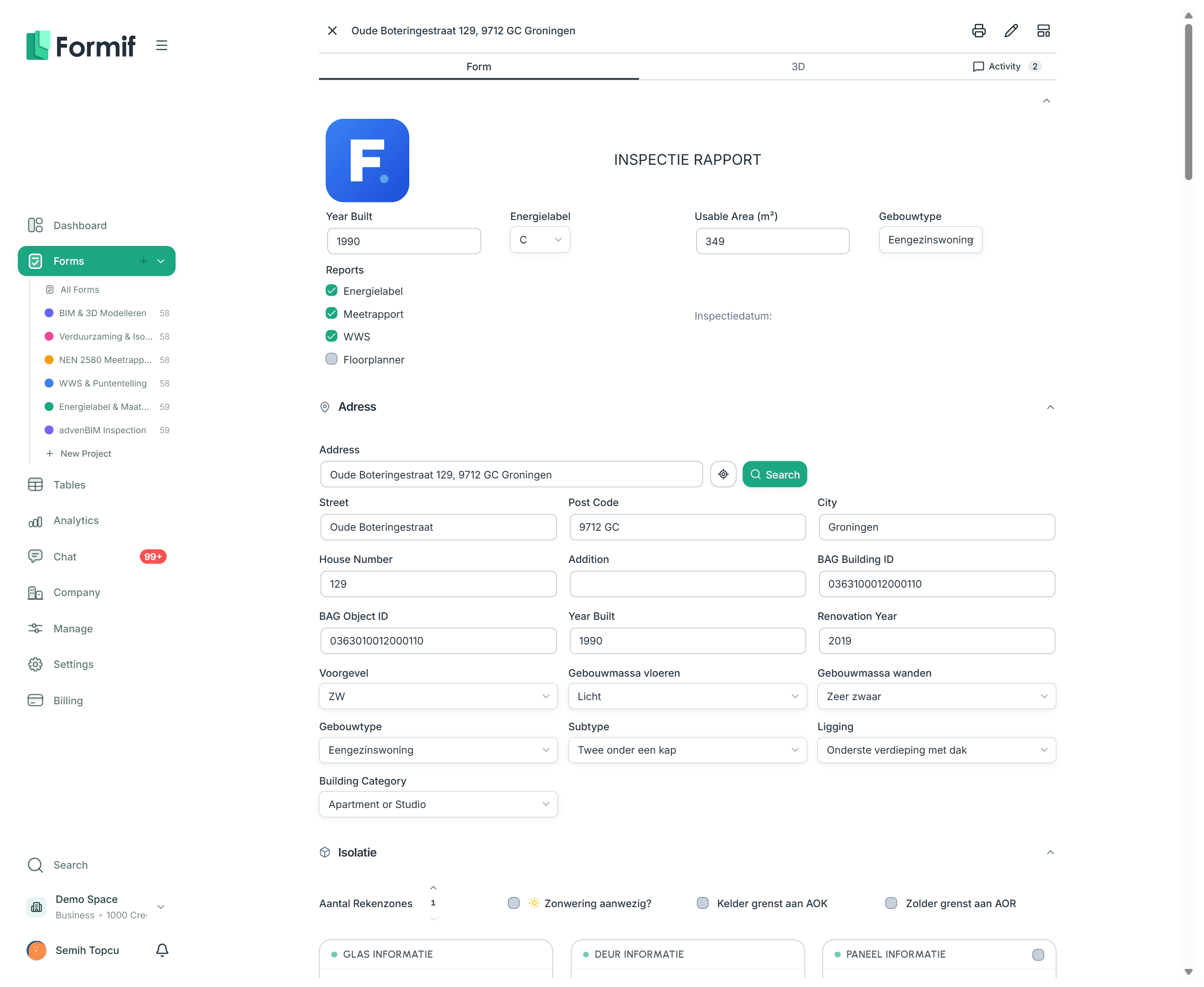
Whatever the answer looks like
Text and numbers, yes — but also a date, an amount in euros, a person from your team, a folder on SharePoint, a row pulled from one of your tables, or a button that starts an automation.
A few of them. The dialog above has the rest.
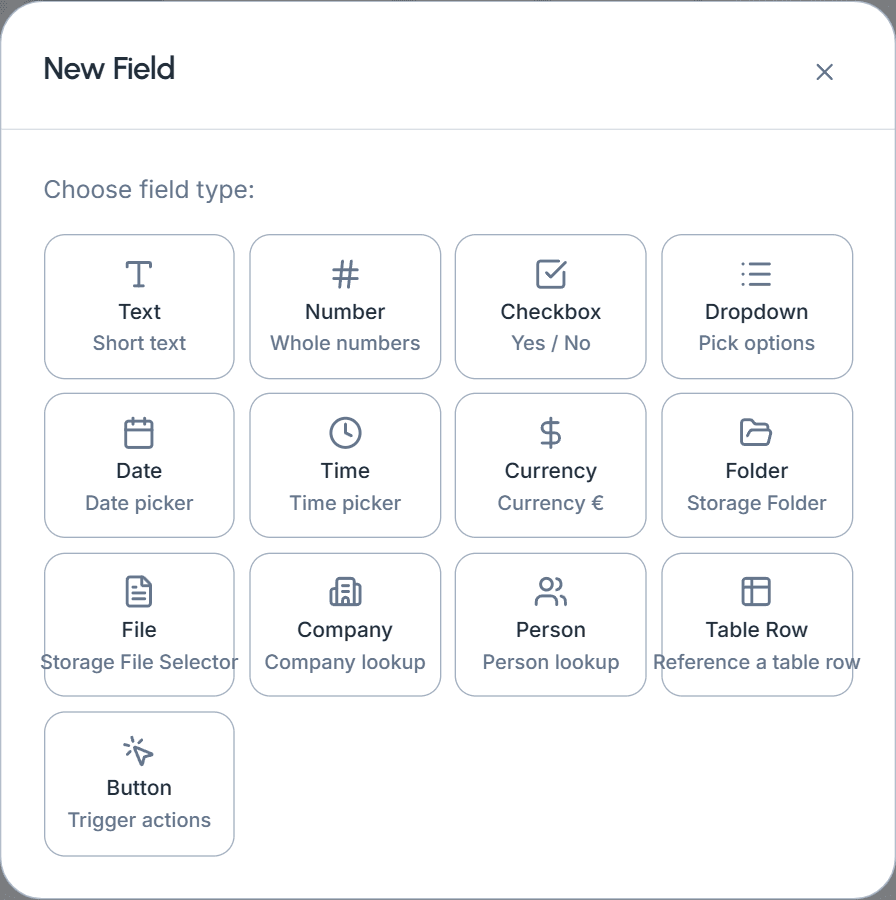
Pick the field, drop it in
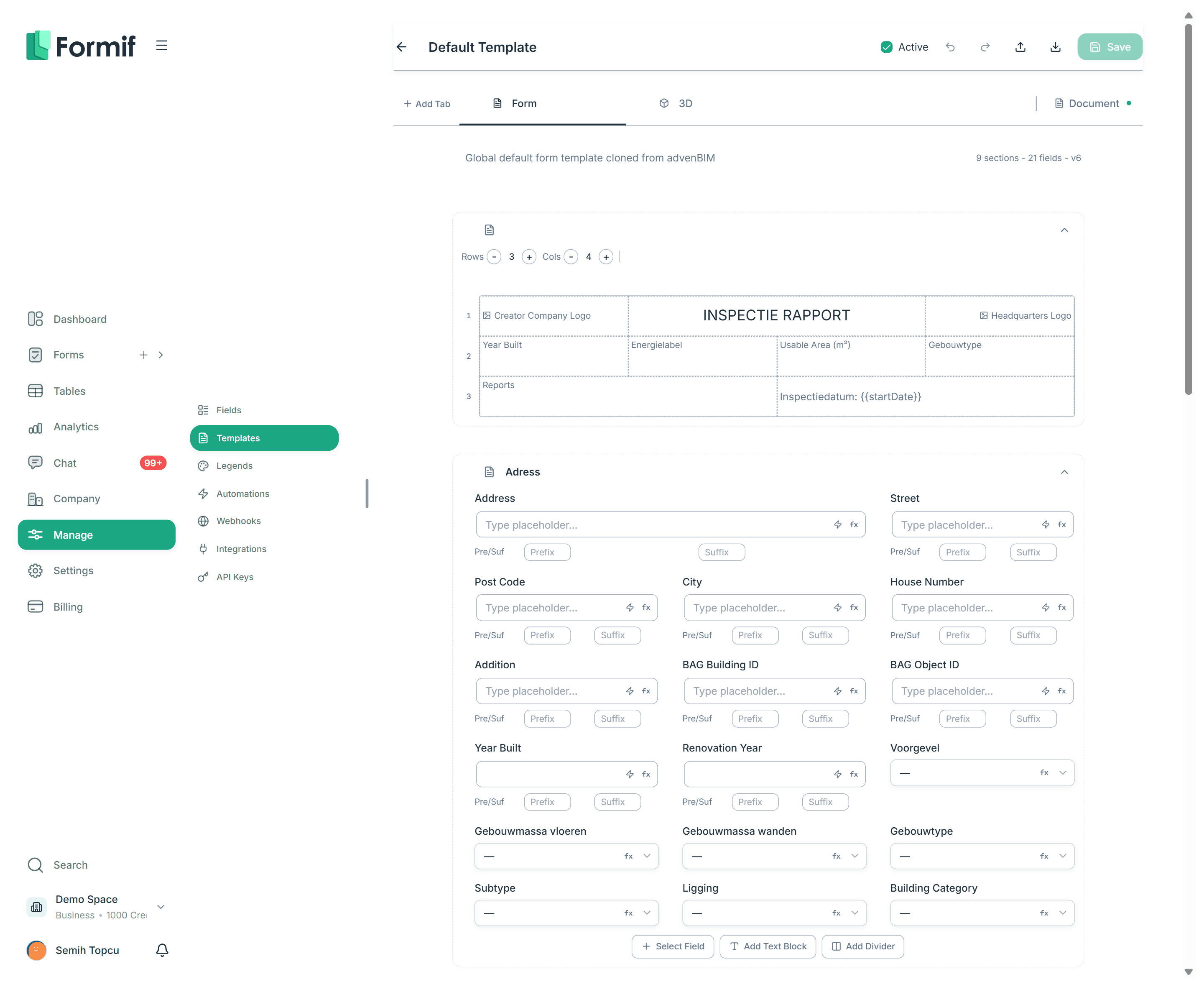
Text, number, date, currency, person, file, a row from one of your tables. Pick the type, name it, and it is in the form. The ones that look missing are usually a switch on the type you already picked — long text is a toggle on text, multi-select a toggle on dropdown.
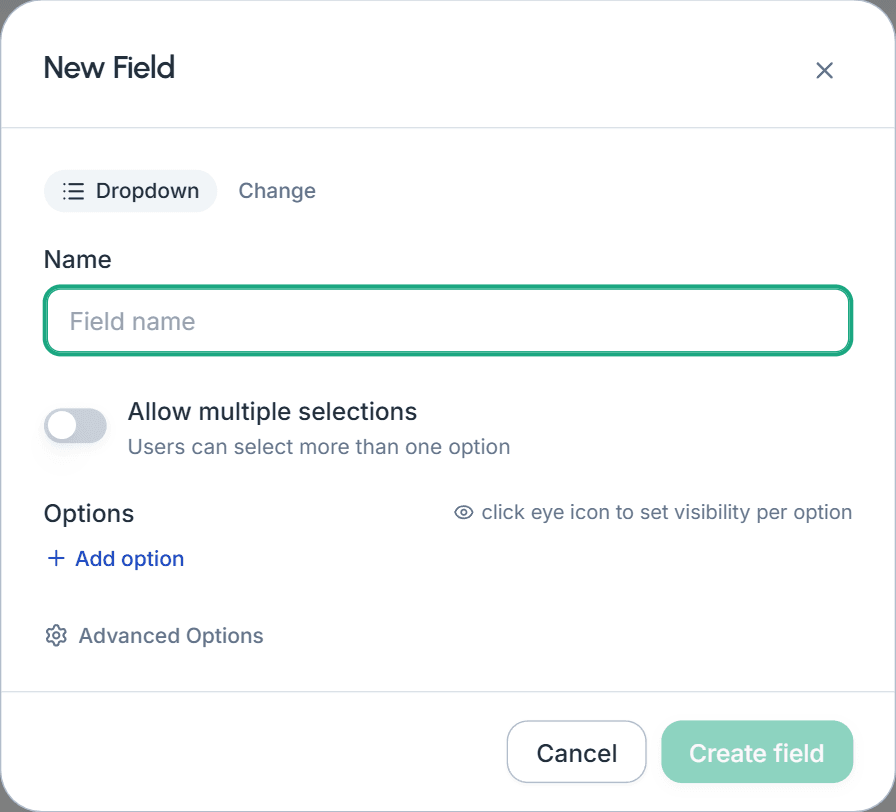
And whatever the block looks like
Most sections are yours to fill. A few are built for one job and come wired: an upload area, a checklist, a drawing canvas, a 3D model viewer.
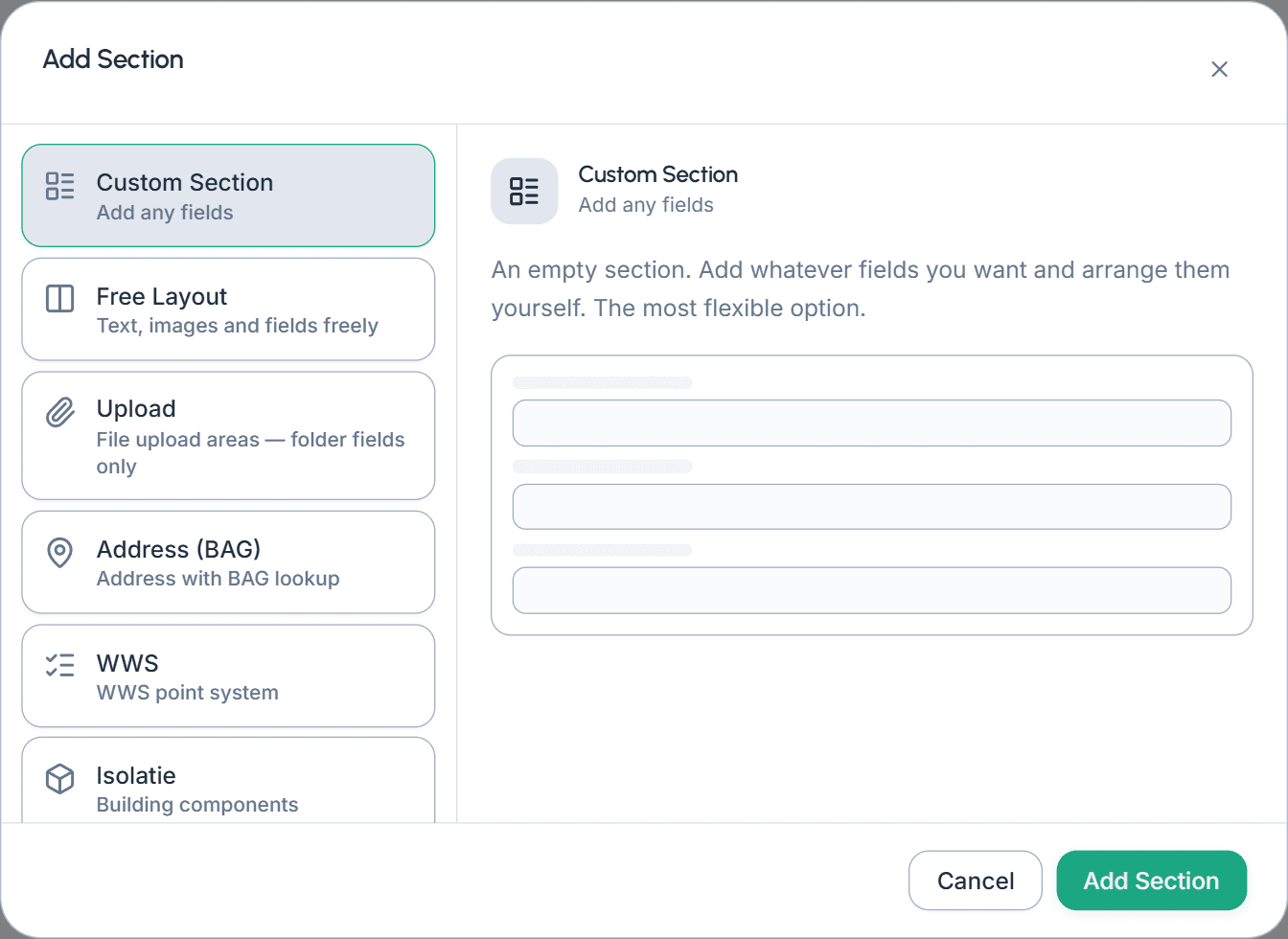
Switch on the energy module and four more appear.
Put things where they belong
Set how many columns a section runs at, then drag a field edge to make it span more of them. When a block needs to look like a real document rather than a form, switch the section to free layout: a grid you can merge cells in and drop text, images and fields anywhere.
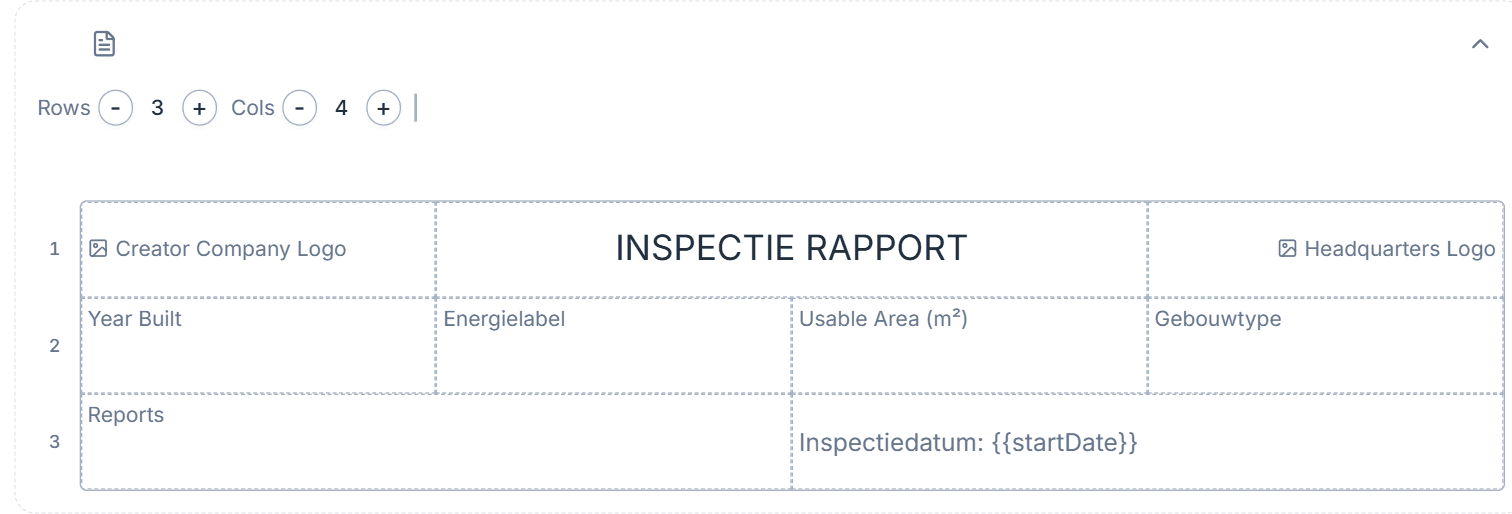
Let a field work it out
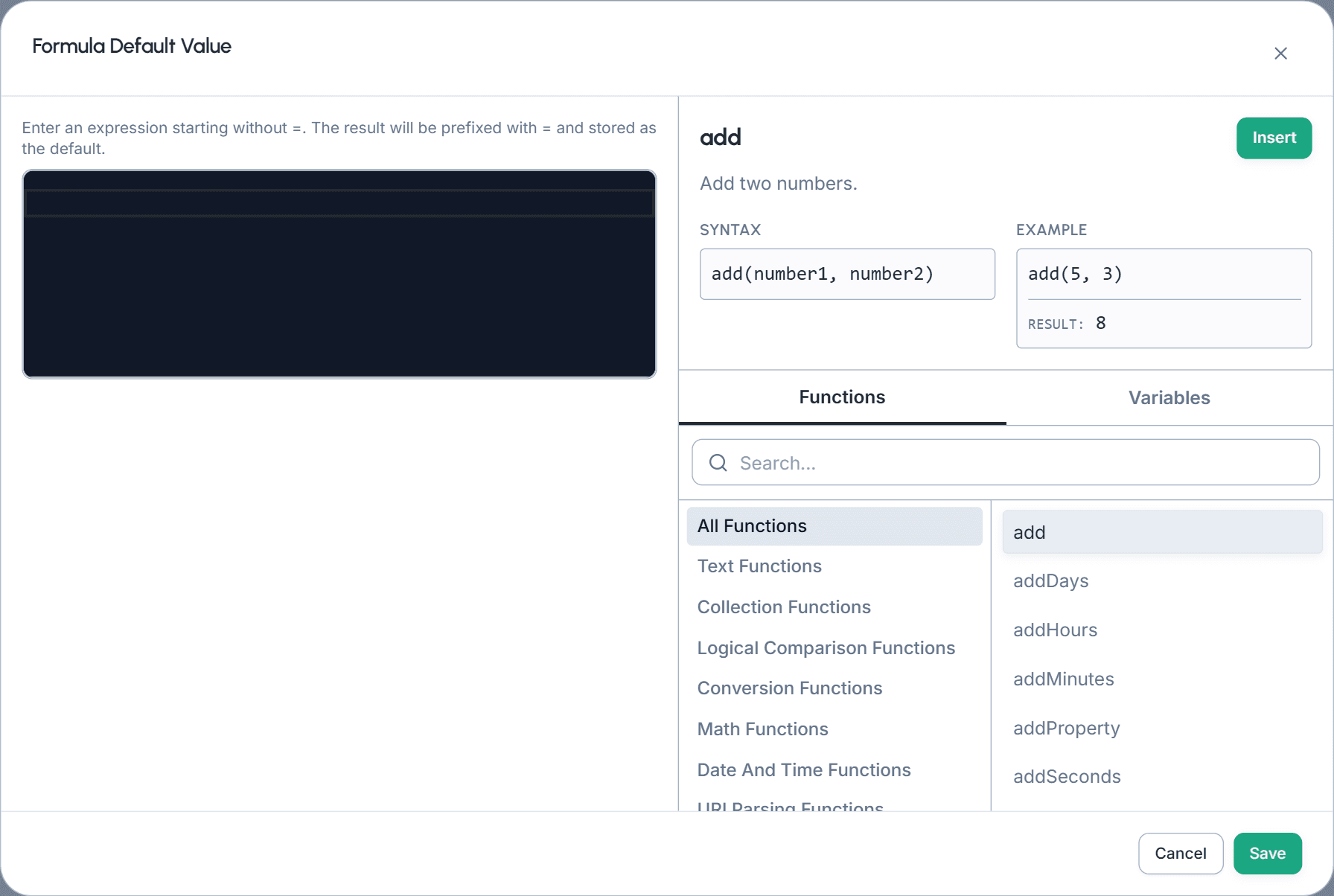
Any field can carry an expression instead of a typed answer — arithmetic, dates, text, or a lookup into one of your worksheets. The form shows where each value came from, so nobody has to guess whether a number was entered or calculated.
Make the form react
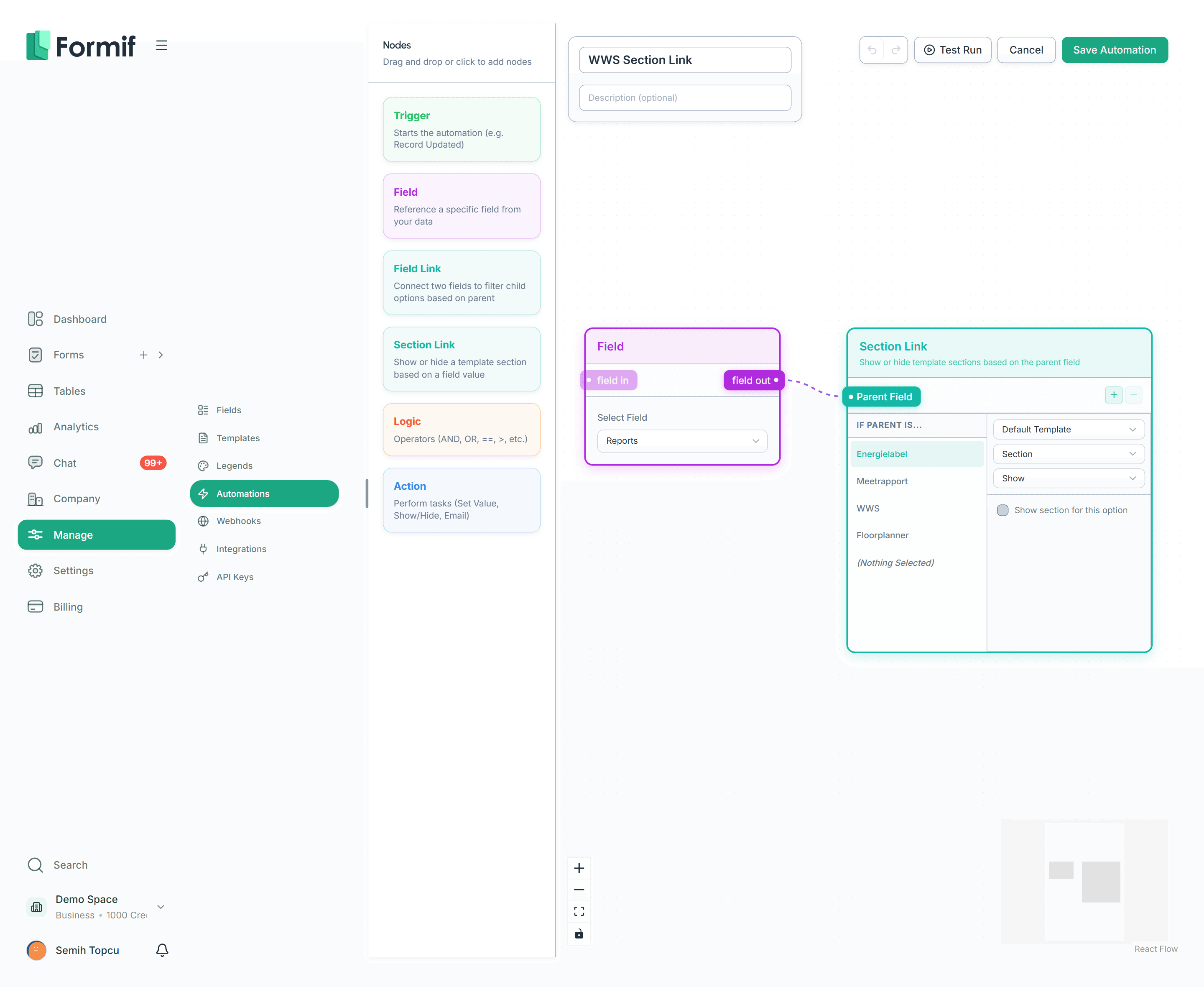
An answer can reveal a field, filter the options of the next one, or bring a whole section into view. Worth knowing where the switch lives: the rule runs inside the form, but you draw it in the automation builder, on the same canvas as everything else that reacts to your data.
Design the PDF it comes out as
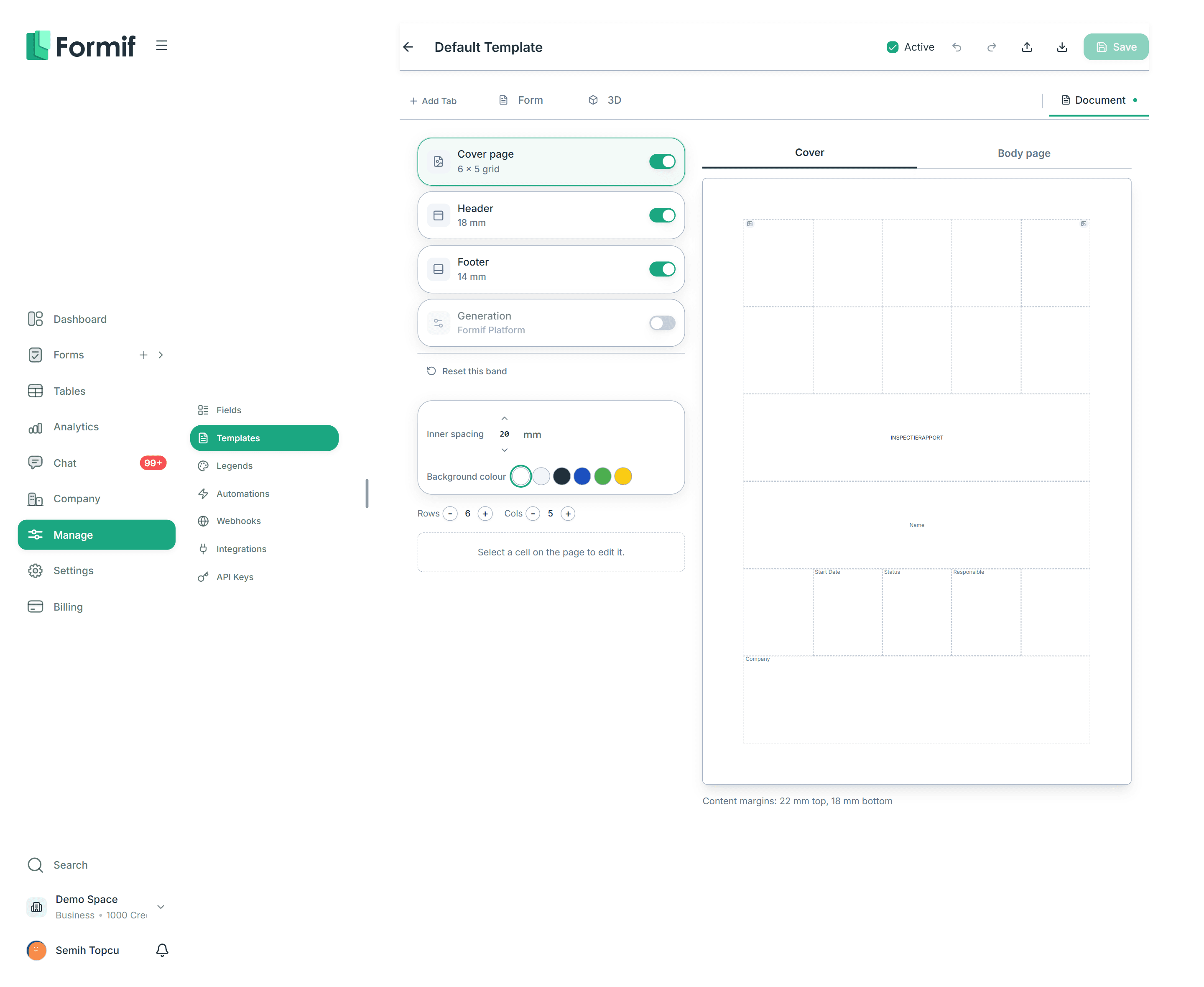
The same template carries the document it prints to. Lay out a cover page, a header and a footer on an A4 preview, decide which tabs are printable, and let a formula name the folder it lands in.
Change it without fear
Undo and redo the whole canvas. Export a template as JSON and import it into another workspace. Decide which branches see it, and which one it is the default for.

Build your first form today
Start on the free plan and grow the plan as the team grows. No setup fee, no mandatory consultant.
No credit card required