Worksheets
The spreadsheet stays in the building
Price lists, rates, component tables — the things that live in a spreadsheet because a spreadsheet is genuinely the right shape for them. Keeping them here means a form can read them, and nobody emails a new version around.
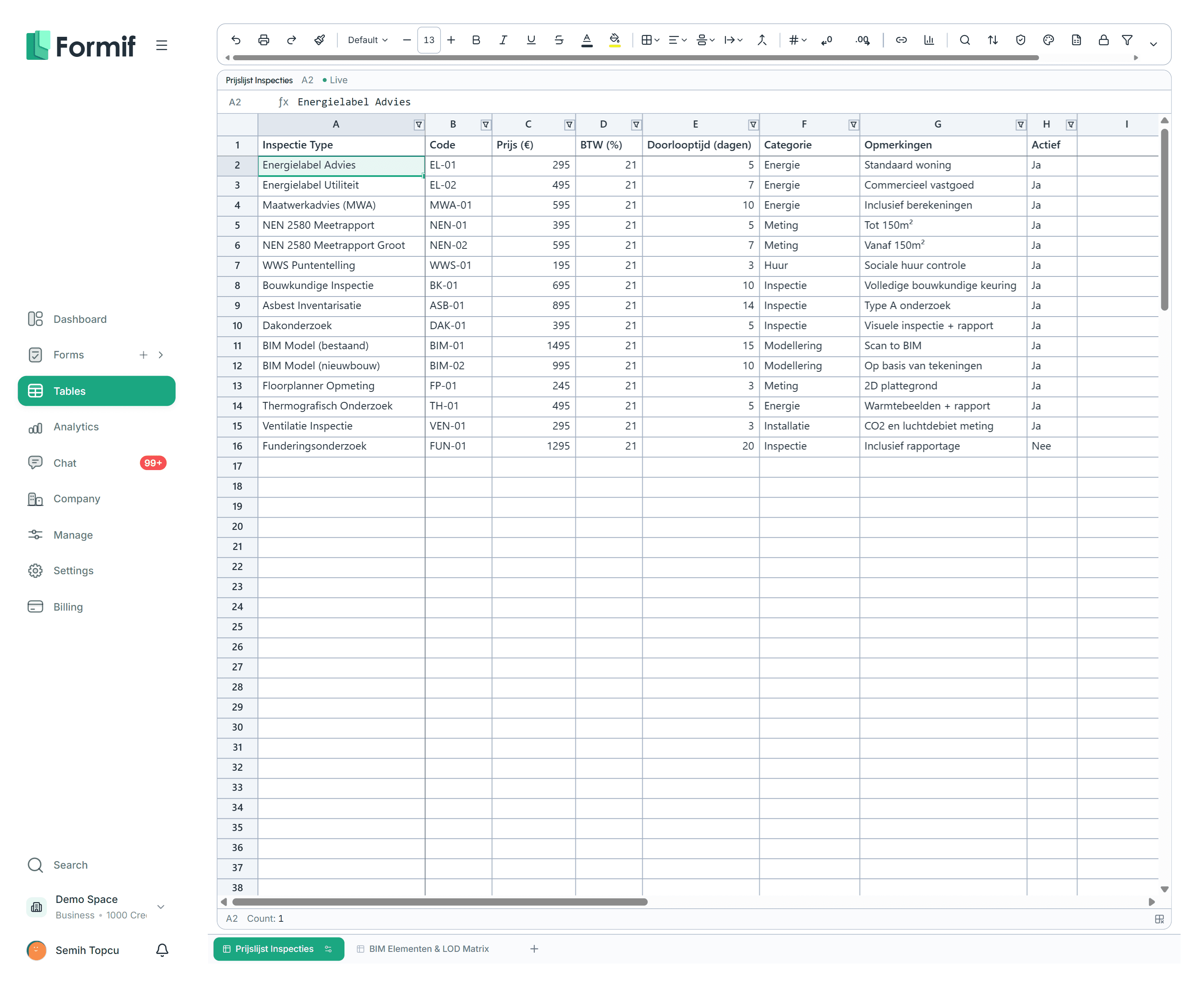
It behaves like one
The whole Formula.js library is registered, so the functions you already know are there. Add conditional formatting, multi-key sorting, saved filter views, named ranges and protected ranges — and more than one person can be typing at once.

Pull a row into a form
Give a field the Table Row type and it offers the rows of a worksheet instead of a list you typed by hand. Point a formula at one and it fetches a value: the price for the service somebody just picked, the rate for that component, the code that belongs to that category.
It meets you where you are
Import an xlsx file, or export any sheet back out as one
Build a chart straight from a range
Two system tables come for free — your companies and your people, kept in step automatically
Build your first form today
Start on the free plan and grow the plan as the team grows. No setup fee, no mandatory consultant.
No credit card required