Section
Group related fields in a section
Divide your form into sections for each stage of the work. Add the fields you need and arrange their order and layout.
Related fields are filled in together in one section.
Keep track of each checklist item
Define the steps to complete and check them off as you go. Review the form to see which steps are still outstanding.
Track each item separately.
Annotate drawings and photos
Draw on a plan or photo and add measurements and notes. Mark the relevant location and keep your findings in the form.
Drawings and marks are saved in the form.
Design the section layout freely
Merge cells and place text, images and fields where you need them. Recreate the layout of your document inside the form.
 Image
Image Emma ClarkeOct 12
Arrange text, images and fields on the same grid.
Inspect a 3D model in the form
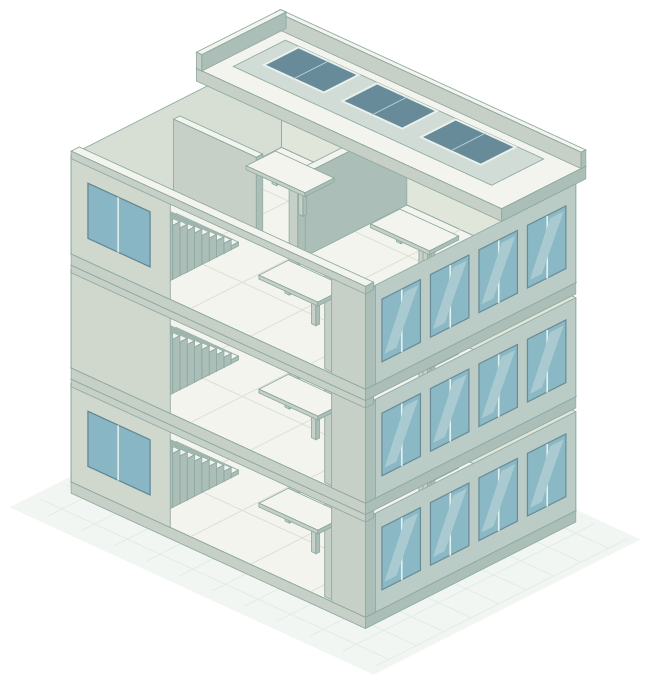
Open an IFC model in your form. Review it from different angles alongside the building information.
Look up building details by address
Search the Dutch building register to fill in the street, city, construction year and building identifiers.
Sign the form
Add a signature area to the form. The person completing it can draw their signature directly in that area.
The person completing the form draws their signature here.
Specialised sections
Insulation, installations and WWS sections are designed for energy assessments and property reporting in the Netherlands.
Record calculation zones and building elements
Organise insulation details by calculation zone. Collect wall, roof and floor information in fields that appear based on your answers.
The displayed building elements depend on the answer.
Record each building system separately
Enter ventilation, heating, hot water, cooling and solar systems in their own blocks. Add another block for each additional system of the same type.
Each installation type has a block for its details.
Calculate points in the form
Calculate the total from the values entered in the points section. Review the calculation and its inputs together.
Create your first form
Open a free account and start with a form your team already uses.
No credit card required