BIM and inspection
Review drawings in the form
Open a drawing and add marks where needed. Use legend codes to indicate approval, clashes, required revisions or missing information.
A mark is a named state, so it can be counted, filtered and reported on.
Review the IFC model inside the form
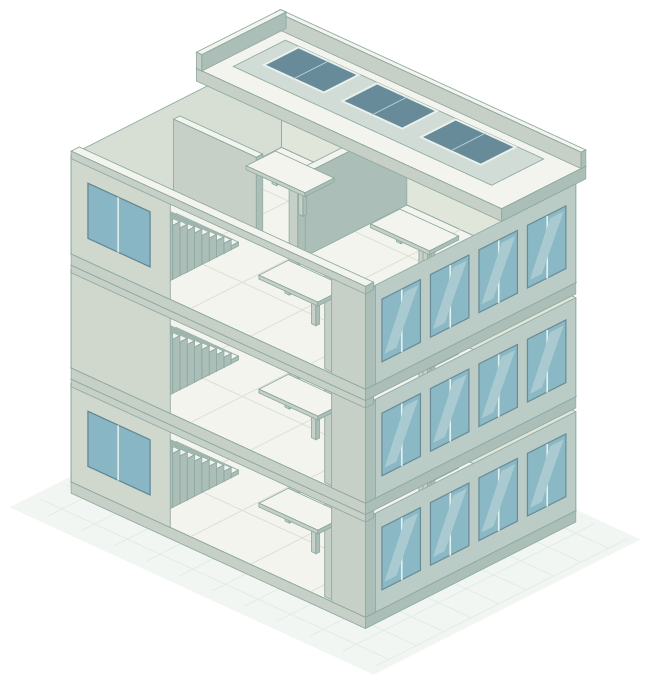
Open the building model in the inspection form. Select a wall, slab or window and check its type, dimensions and properties in the context of the same job.
Use shared codes for drawing marks
Define statuses in a legend set. Updating a definition also updates it in drawings that use the set.
Organize inspection findings in a worksheet
Put checkpoints, floors and measurements into rows. Use formulas for calculations and filters to find the records you need.
Keep models and reports in the same project
Store IFC files, site photos and reports in Vault project folders. Find each file's versions in one place.
Send updates to other systems
Send data to your endpoint when a mark is added or a status changes. Check delivery results in the logs.
Event data is sent to the endpoint you configure.
Create your first form
Open a free account and start with a form your team already uses.
No credit card required